What kind of project would you trust AI Toolbox Audio Splitter with first?
AI Toolbox Audio Splitter
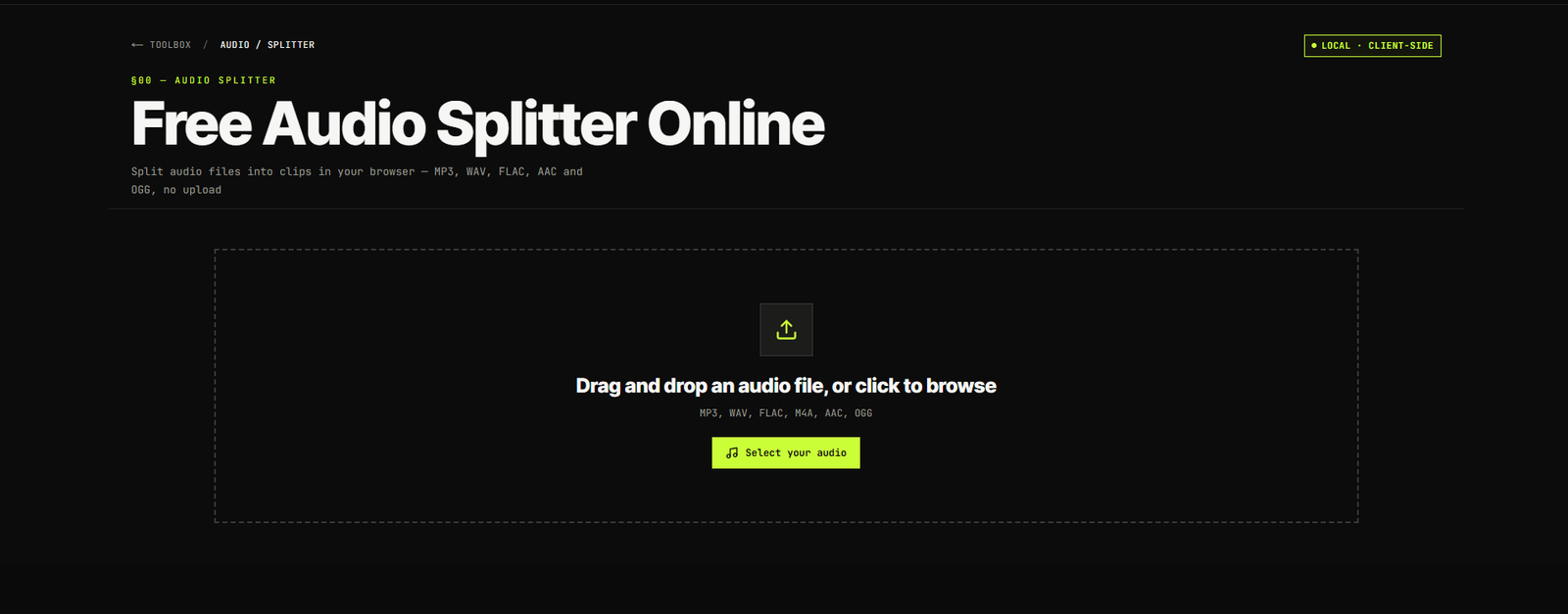
AI Toolbox Audio Splitter is a free, private browser tool for splitting MP3, WAV, FLAC, AAC and OGG files with no upload, signup or watermark.
Video & AudioOfficial Links
Screenshots
About AI Toolbox Audio Splitter
AI Toolbox Audio Splitter: Private Audio Splitting Made Simple AI Toolbox Audio Splitter is designed for a problem almost every creator faces sooner or later: a recording is too long, too large, or needs to be divided into separate clips. Instead of installing heavy editing software or waiting for a file to upload to a cloud server, AI Toolbox Audio Splitter lets users process audio directly inside their browser. Whether someone needs to divide a podcast, separate lecture chapters, create a ringtone, or prepare smaller files for transcription, AI Toolbox Audio Splitter keeps the process simple. What immediately makes AI Toolbox Audio Splitter interesting is its local-processing approach. The selected file is handled inside the browser using FFmpeg WebAssembly rather than being sent to a remote processing server. AI Toolbox Audio Splitter also provides several splitting methods, so users are not limited to manually cutting every section. In my view, AI Toolbox Audio Splitter works best for people who want a focused utility that completes one task properly without surrounding it with unnecessary editing features. Built for Everyday Users and Content Professionals Many audio-editing applications are powerful, but that power often comes with complicated timelines, unfamiliar controls, and a noticeable learning curve. Someone who only wants to divide a 60-minute interview into six clips should not need to understand multitrack mixing or professional mastering tools. AI Toolbox Audio Splitter removes much of that complexity. Users select an audio file, choose how they want it divided, preview or adjust the split points, and export the resulting clips. There is no requirement to create an account, install an application, or learn a complete audio-production system. This makes the tool useful for: Podcasters dividing episodes into chapters. Students separating long lectures by topic. Teachers organising recorded lessons. Journalists working with interview recordings. Video editors preparing audio clips for different scenes. Musicians extracting smaller sections from longer recordings. Social media creators preparing short audio samples. Professionals dividing meetings or voice notes. Developers preparing audio chunks for transcription workflows. The interface is approachable for people with limited audio-editing experience, while its output options are practical enough for regular content-production work. Four Flexible Ways to Split Audio One of the strongest parts of AI Toolbox Audio Splitter is that it does not force every user into the same workflow. It provides four different splitting modes, and each one solves a slightly different problem. Manual Audio Splitting Manual mode gives users direct control over where each clip begins and ends. They can place cut points on the timeline and adjust those markers according to the required section. This mode is especially useful when the recording contains clear topic changes, speaker transitions, songs, questions, or important moments that do not follow equal time intervals. For example, a podcast creator can separate the introduction, interview, sponsor message, and closing section manually. Divide Audio into Equal Parts Equal Parts mode automatically divides the complete recording into a chosen number of sections. A user can select two, four, six, or more parts, and the tool calculates the duration of each clip. I find this option practical for audiobooks, long lectures, study recordings, and archived meetings where perfectly precise chapter boundaries are not necessary. It removes the need to calculate timestamps manually. Split Audio by Duration Duration mode creates clips of a fixed length. A user could divide a long recording into 30-second, one-minute, five-minute, or other consistently timed segments. This is useful for: Preparing samples for social media. Creating shorter transcription batches. Dividing language-learning recordings. Producing equal-duration audio previe
Announcements
No announcements yet.
Community activity
Recent follows, shares, ratings, and collection saves for AI Toolbox Audio Splitter.
No community activity yet. Follow or share AI Toolbox Audio Splitter to get things started.
Comments
Sign in to join the discussion.