Infographic layout without garbled text
 Submitted by Max
Added 96 days ago
Submitted by Max
Added 96 days ago
Clean infographic layout, portrait 4:5, about {{topic}}. Structure: a bold short title at the top, three horizontal sections separated by thin rules, each with a simple icon on the left and a large number with a two-word label on the right, plus a small source line at the bottom.

Typography: one geometric sans-serif, three sizes only, strong hierarchy, generous line spacing, left-aligned throughout. Palette: white background, {{dark hex}} for type, {{accent hex}} used only on the three numbers. Flat 2px-stroke icons, consistent weight. Wide margins, aligned to a visible-but-unprinted 12-column grid.

All text short: title ≤5 words, labels ≤2 words, numbers only. Spell every word exactly as given: {{list exact strings}}.

Negative: paragraphs of text, lorem ipsum, gradients, 3D charts, drop shadows, clip-art, decorative fonts, crowded layout.
How to use it
Use a text-capable model, keep every string under three words, and plan to reset the type in Figma or Canva. Long strings still come out misspelled.
Example output
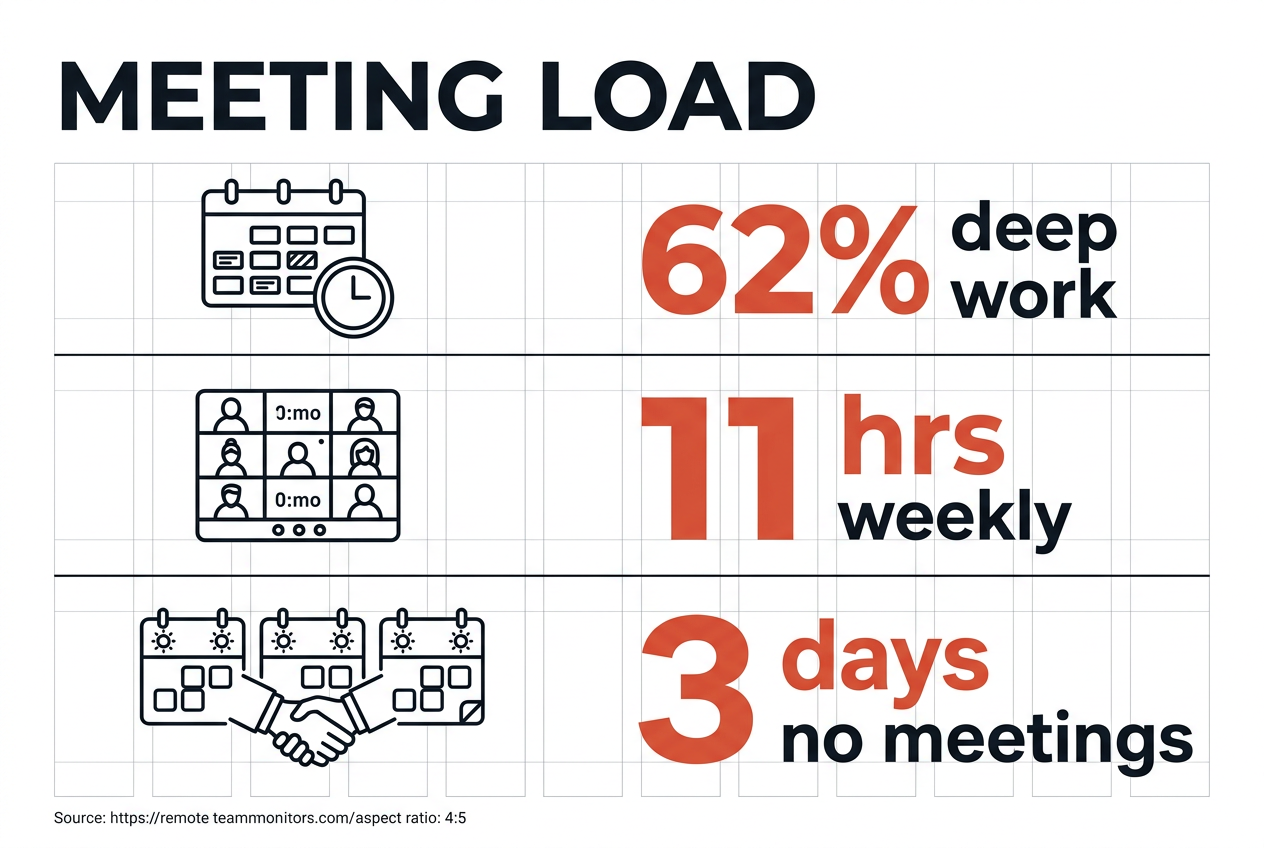
Compatible popular AI tools
These tools are mapped to this prompt based on their capabilities.




People who liked this prompt
12 community likes
 Layla M.
 Hana T.
 Daniel C.
 Mika R.
 Aisha B.
 Idris H.
 Thea L.
 Cole A.
 Reed M.
 Ravi B.
 Ines M.
 Vera J.